Is Your Laptop Running Slow? How an NVMe SSD & RAM Upgrade Extends Life Without Data Loss
Laptops from Dell, HP, Lenovo, Acer, or Asus manufactured between 2017 and 2022 often feel sluggish, freeze when opening multiple browser tabs, or take several minutes to boot. Most users assume the processor has aged out. In reality, the real bottleneck is storage latency and single-channel memory limits.
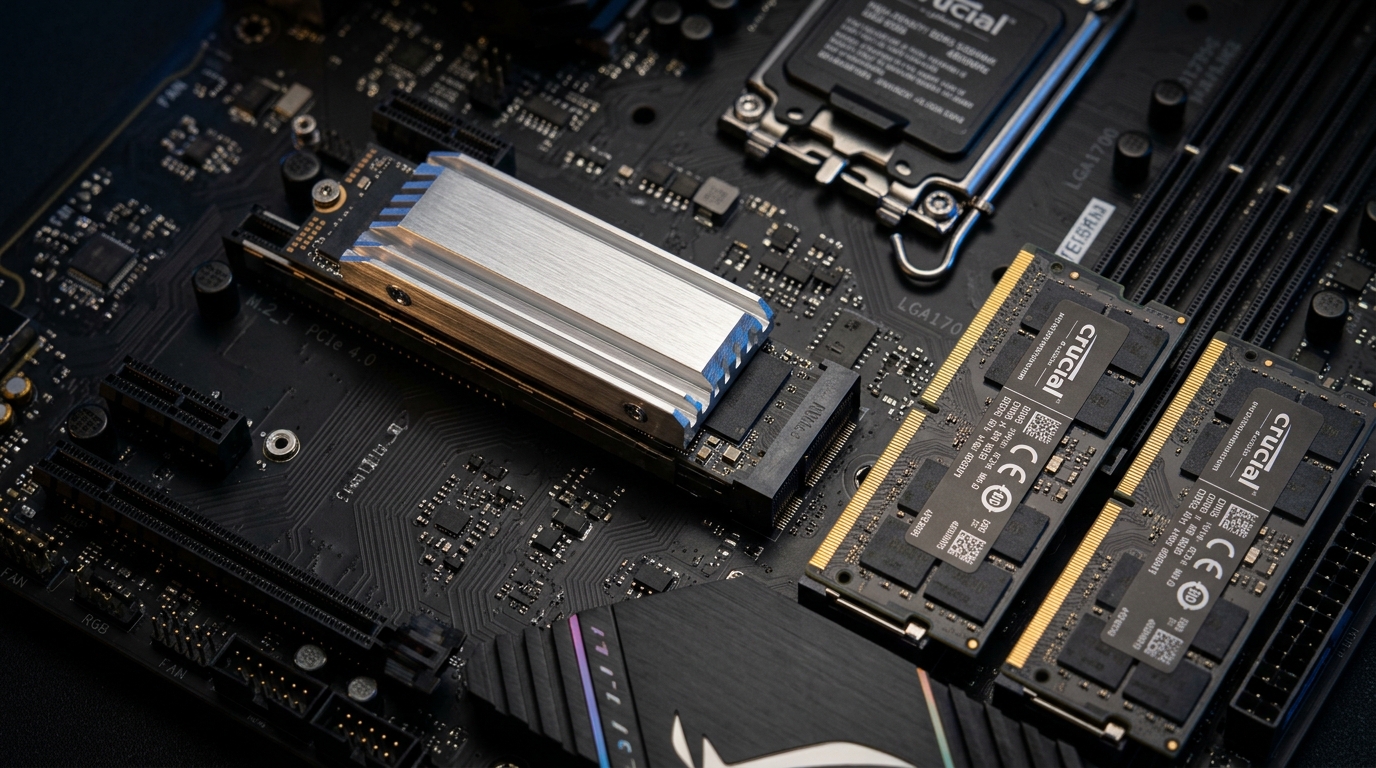
The Rotational Latency Problem in Mechanical Hard Drives
Traditional 2.5-inch hard disk drives (HDDs) read and write data using physical magnetic platters spinning at 5,400 RPM with a mechanical read head. This physical architecture creates severe technical limits:
- Seek Latency: The mechanical actuator arm must physically move across magnetic sectors to read data. Average access latency is 12 to 18 milliseconds per file query.
- Low Throughput: A healthy 5400 RPM hard drive caps out at roughly 80 to 120 megabytes per second (MB/s) sequential read speeds. Random read operations (which modern operating systems perform constantly) plummet to under 1.5 MB/s.
- Windows 11 Disk Queue Saturation: Modern versions of Windows run hundreds of background tasks—Windows Search Indexing, Windows Defender real-time scans, background telemetry, and automatic updates. On an HDD, these tasks saturate the disk queue to 100% active time in Task Manager, leaving zero bandwidth for your user applications.
NVMe PCIe SSD: Zero Moving Parts and Instant Response
Non-Volatile Memory Express (NVMe) solid-state drives connect directly to the motherboard's PCIe bus rather than an old SATA interface. Because data is stored in solid-state 3D TLC or QLC NAND flash memory cells:
- Access Times Under 0.05 Milliseconds: NVMe storage eliminates rotational seek latency entirely. Files are retrieved virtually instantaneously.
- Speeds Exceeding 2,500 – 5,000 MB/s: That is 25 to 50 times faster than a mechanical hard drive, and 5 to 8 times faster than a standard SATA SSD.
- Boot Times Under 10 Seconds: System startup drops from 2–5 minutes down to roughly 8–10 seconds. Applications like Microsoft Excel, Adobe Photoshop, AutoCAD, and heavy web browsers launch immediately upon clicking.
The Power of Dual-Channel RAM
Many laptops ship from factories with a single 8GB memory stick. Running in single-channel mode limits the processor's memory bus to a 64-bit width.
Adding an identical matched memory module in the secondary SODIMM slot activates Dual-Channel 128-bit memory mode. This doubles memory bandwidth between the RAM and processor, improving integrated graphics performance by up to 25% and preventing system paging to the storage drive when you keep dozens of browser tabs open.
Bit-for-Bit Disk Cloning: Zero Data Loss
The biggest concern customers have when considering a storage upgrade is the hassle of reinstalling Windows, setting up software licenses, reconfiguring printer drivers, and transferring gigabytes of personal documents.
At our workshop in Sky Plaza, Sector 16B, we use high-speed hardware cloning stations and sector-accurate disk imaging:
- Exact System Mirroring: We clone your entire existing drive—including your Windows bootloader, system partitions, registered application licenses, desktop shortcuts, browser cookies, and stored passwords—bit-for-bit onto the new NVMe SSD.
- Partition Alignment & Over-Provisioning: We configure 4K partition alignment to maximize SSD lifespan and leave proper over-provisioning space for the drive's garbage collection algorithms.
- Turnkey Experience: When you power on your machine after the upgrade, everything is in the exact same place you left it—only running at maximum speed.
What Happens to Your Old Drive?
Your old hard drive is not discarded. We convert it into an external portable USB 3.0 backup drive inside a protective aluminum enclosure, giving you a high-capacity external storage drive for photos and archives at zero waste.
Want your laptop to feel brand new again?
Bring your machine to Shop F-13, 1st Floor, Sky Plaza, Sector 16B, Greater Noida West. We inspect your motherboard's expansion slots, recommend the ideal NVMe SSD and RAM configuration, and complete bit-for-bit cloning.