Liquid Spill on Laptop? 3 Steps to Prevent Logic Board Short Circuits
Accidentally spilling water, tea, or coffee onto a laptop keyboard triggers instant panic. Most users reflexively dry the keys with a towel, power it back on to "see if it works," or bury it in a bag of uncooked rice. Doing so almost guarantees permanent board failure. Here is the science of galvanic corrosion and the exact 3 steps to take immediately.
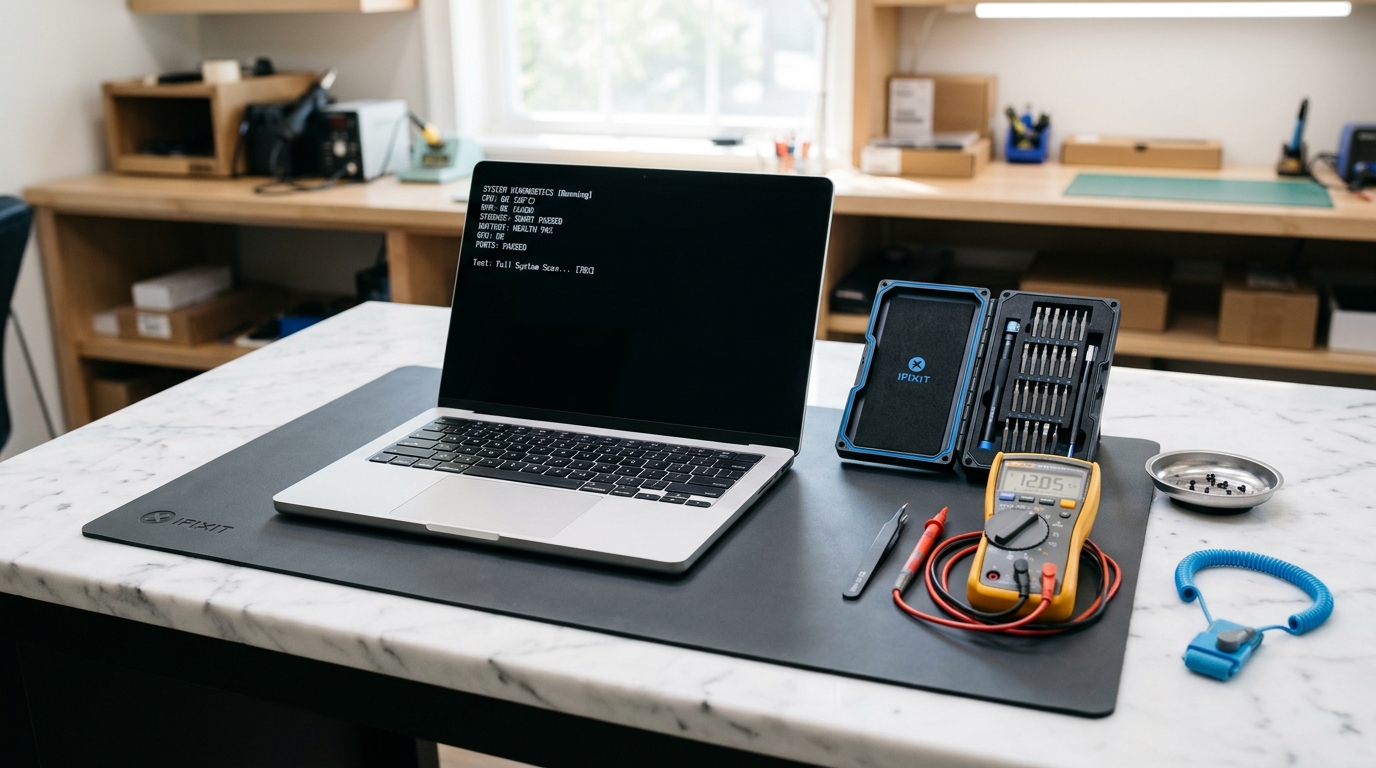
The Electrochemical Reality: Water Does Not Kill Laptops; Electricity Does
Pure distilled water is an electrical insulator. However, tap water, drinking water, tea, and soda contain dissolved mineral salts (chlorides, carbonates, calcium, and sodium ions). When these conductive electrolytes seep onto a live circuit board carrying current, an immediate electrochemical reaction takes place:
- Electrolytic Bridging: Liquid forms a low-resistance conductive bridge between adjacent copper micro-traces carrying different voltages (such as an 19V backlight power rail situated a fraction of a millimeter from a fragile 1.8V CPU data line). The high voltage surges directly into low-voltage silicon, destroying the controller IC instantly.
- Accelerated Galvanic Corrosion: Live DC current flowing through water creates rapid electrolysis. Positive copper traces literally dissolve into green copper carbonate and copper sulfate crust within 2 to 6 hours, severing connections beneath Ball Grid Array (BGA) chips.
3 Steps to Prevent Circuit Shorting
Every second the motherboard remains powered with liquid present increases the likelihood of catastrophic trace dissolution. Follow these steps immediately:
- Step 1: Perform an Immediate Hard Forced Shutdown. Do not open the Start menu or wait for Windows or macOS to perform a graceful shutdown. Press and hold down the physical Power button continuously for 10 seconds until all lights, screen illumination, and fan sounds cease completely.
- Step 2: Disconnect the Charger and All Peripherals Immediately. Unplug the AC power adapter from the laptop jack. Remove all USB flash drives, wireless dongles, external monitors, and accessories. Power from an adapter pumps continuous 19V current straight into the shorted liquid pool.
- Step 3: Invert the Laptop into an Open "Tent" Mode (V-Shape). Open the screen to roughly 90 degrees and place the laptop upside down on a dry towel like an inverted "V" (tent mode). This uses gravity to draw liquid down toward the keyboard keys and away from the delicate motherboard, CPU, and RAM situated beneath the keyboard deck.
Why the "Bag of Rice" Myth Destroys Laptops
Putting an electronics device into uncooked rice is one of the most persistent and damaging myths on the internet:
- Zero Effect on Hidden Pockets: Uncooked dry rice absorbs a small amount of ambient humidity from the air, but it cannot draw liquid trapped beneath surface-mount microchips, electromagnetic shielding cans, or under multi-layer circuit boards.
- Accelerates Corrosion: Sealing a wet machine inside a closed bag traps moisture and humidity, creating a humid greenhouse environment that accelerates green electrolytic corrosion.
- Introduces Starch and Dust: Fine rice starch dust enters the ventilation grilles and cooling fan bearings, combining with moisture to create a sticky insulating paste that causes overheating.
What Happens in Our Workshop at Sky Plaza
Saving a liquid-damaged laptop requires complete chemical de-oxidation before power is ever applied again:
- 1. Battery Isolation: We open the bottom housing and immediately unscrew the internal lithium-ion battery connector, disconnecting the remaining 11.4V standby current from the board.
- 2. Motherboard Extraction & Ultrasonic Bath: The motherboard is completely stripped of heatsinks and shields, then submerged in a medical-grade ultrasonic cleaning bath filled with 99.9% pure anhydrous electronics-grade isopropyl alcohol (IPA). Ultrasonic cavitation bubbles remove all conductive mineral deposits and sticky tea/coffee residue from beneath BGA chips.
- 3. Dehydration Oven Baking: The board is dried in a temperature-controlled convection oven to evaporate all chemical traces.
- 4. Microscopic Pad & Trace Inspection: Under 40x optical magnification, we inspect every copper trace, via hole, and SMD solder pad. Any oxidized or corroded pads are scraped, fluxed, and rebuilt with fresh leaded solder and enameled jumper micro-wires.
- 5. Bench Power Supply Current Testing: Only after verifying zero electrical shorts across all primary power rails do we apply controlled voltage from a bench supply to test system boot.
Spilled water or tea on your laptop?
Do not plug it in or try turning it on. Bring it to Shop F-13, 1st Floor, Sky Plaza, Sector 16B, Greater Noida West. The sooner we disconnect the battery and perform ultrasonic de-oxidation, the higher the recovery success rate.